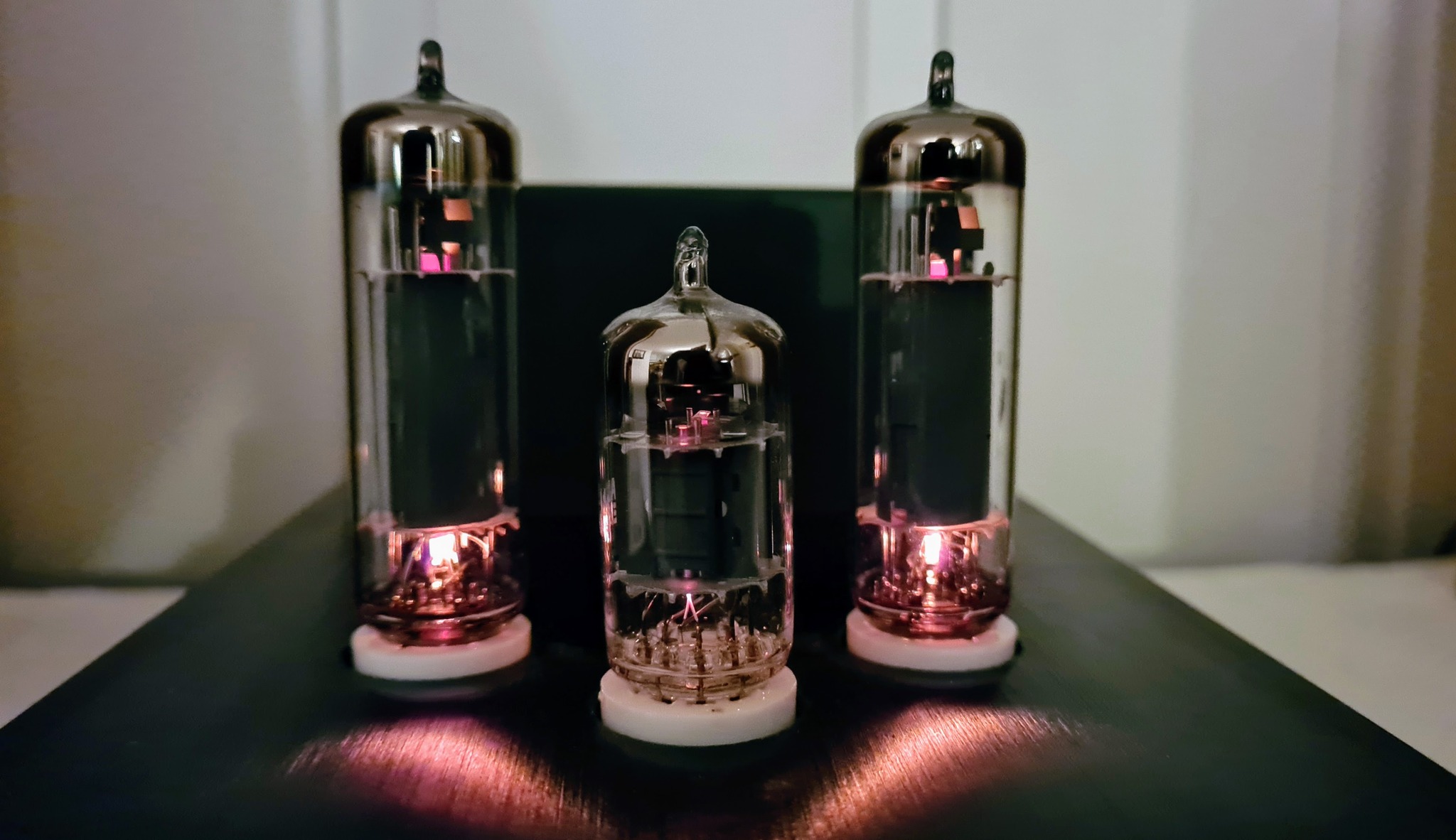
For hobbyists, Blue Pill is probably the most commonly used STM32 development board. It’s based on the STM32F103C8T6, which is a reasonably priced yet powerful microcontroller. Its 64kB program memory may, however, be scarce for advanced projects.
Following up the WhiteBoard64 (a more powerful and advanced development board based on STM32F411RET6), I made the WhiteBoard48, a Blue Pill alternative based on STM32F103CBT6.

The main differences from the Blue Pill are:
- 128kB program memory
- Optional 4MB flash (other flash sizes may also work)
- Custom ST-LINK interface with IDC8 connector, for quick and easy connection to an ST-LINK programming adapter, with no risk of making erroneous connections.

Production files (Gerber) and KiCad design files are published to GitHub.

Manually soldering the LQFP48 primarily takes a decent soldering iron held by a steady hand, but a microscope may also be convenient. I’m using a modified version of Andonstar AD407.
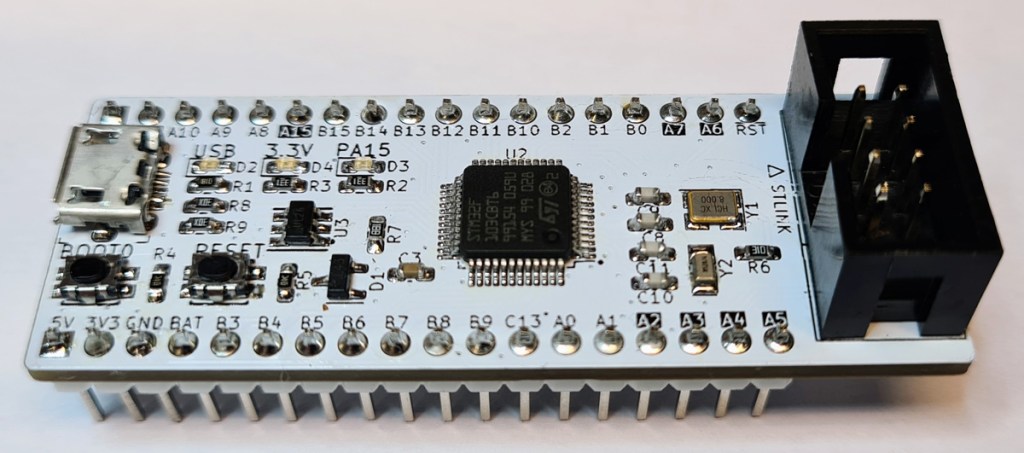
By default, STM32F103C8T6 doesn’t have an onboard DFU bootloader for uploading firmware via USB. If you need this feature, you are just a Google search away from finding suitable DFU bootloaders. My preferred interface for code upload and debugging with SMT32s is ST-LINK. I’ve made a standard ST-LINK interface with IDC8 connector, which I’m using with all boards that contain an STM32. This interface incorporates UART, which means you can use commands like Serial.print() to send text between the MCU and the programming IDE (e.g. Arduino or PlatformIO.
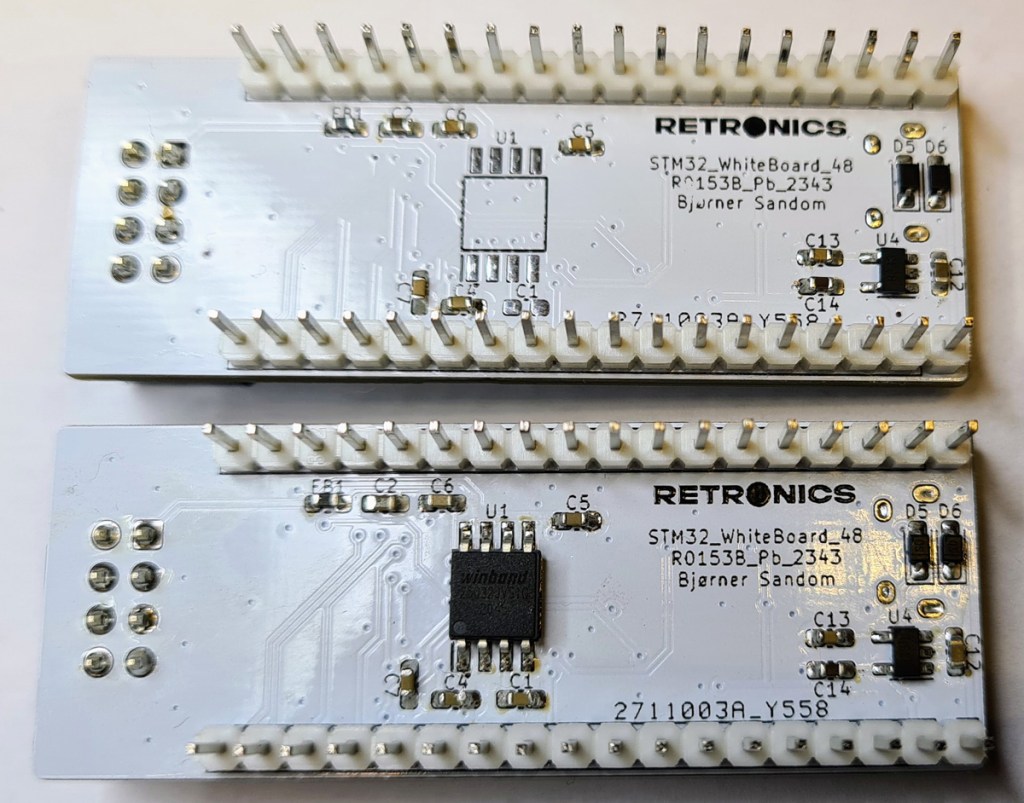
On the bottom side of the PCB, there is room for an optional Flash memory with SPI interface.
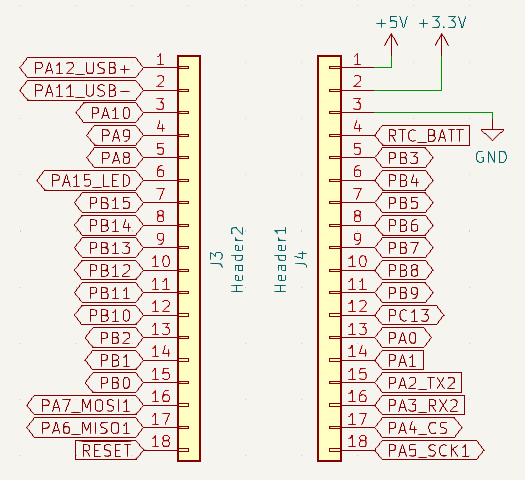
Some MCU pins serve as both GPIO and special purposes, e.g. PA11 and PA12 are used as USB data lines. If you’re using USB communication in your project, the same pins cannot be used as GPIO. Similarly, PA2 and PA3 are used for UART2, which is incorporated in the ST-LINK interface.
Pins to be aware of have dual names in the schematic, and are highlighted with inverse text on the PCB.
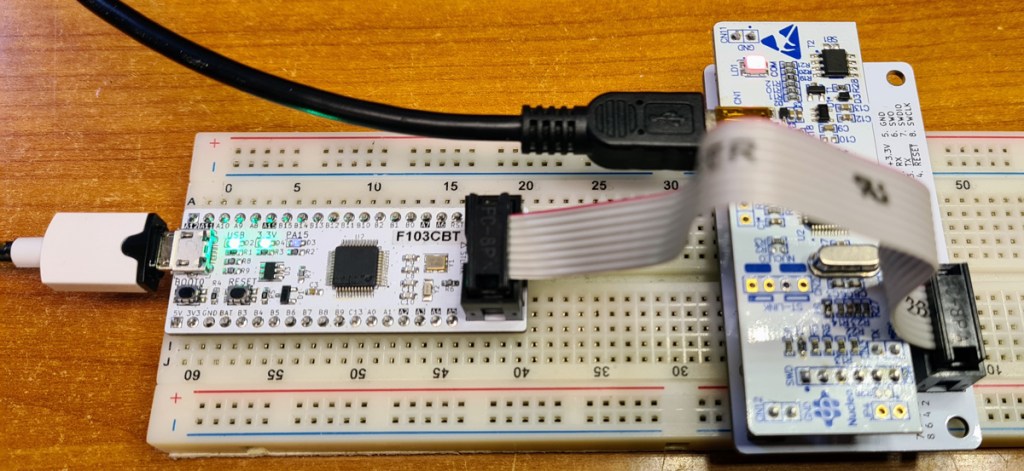

If you’re using Arduino IDE, choose Board: Generic STM32F1 series, and Board part number: BluePill F103CB.
For uploading firmware via ST-LINK, choose Upload method: STM32CubeProgrammer (SWD). The CubeProgrammer application needs to be installed, and it can be downloaded for free from the ST Website.
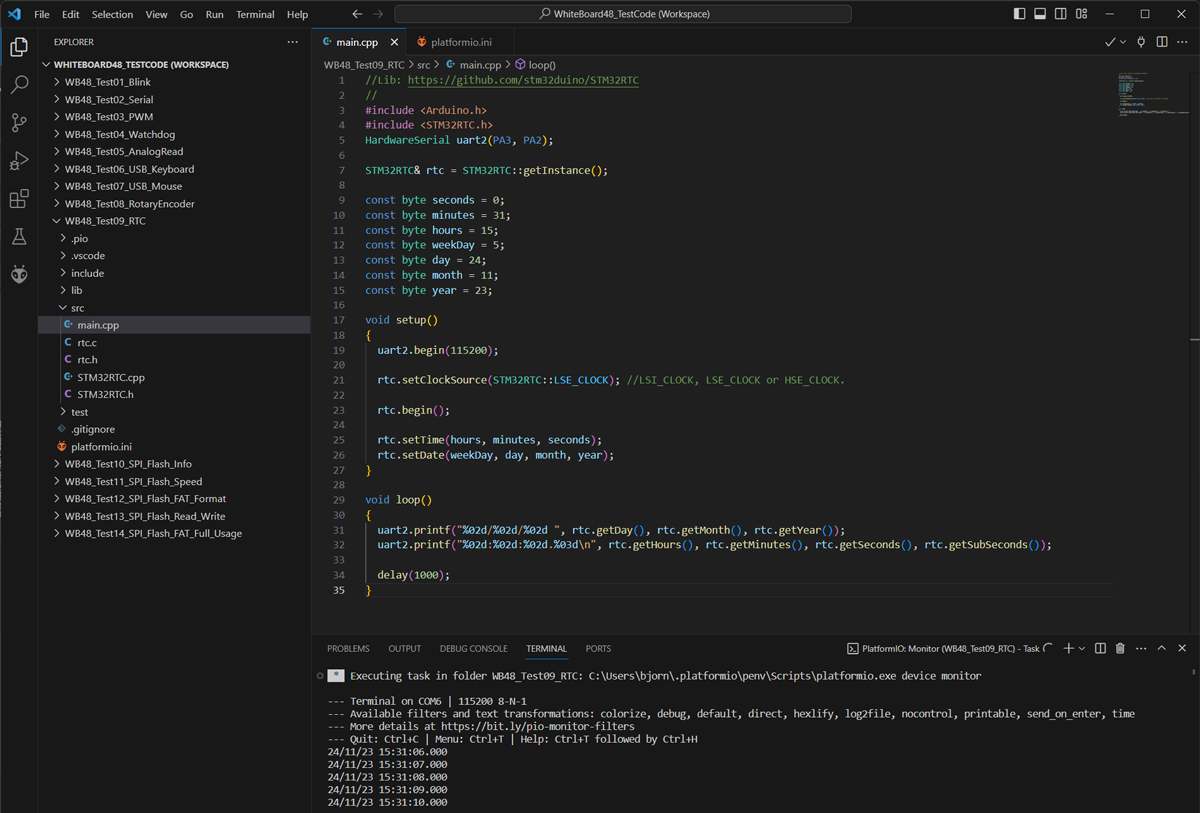
For programming microcontrollers, I prefer PlatformIO over Arduino IDE. I’ve shared some PlatformIO code examples for WhiteBoard48 on GitHub. Below is a screenshot of a code example for using the STM32s internal real-time clock.
If you need more IO lines, more program memory or more processing power, check out the WhiteBoard64.


 Retronics
Leave a reply to retronics.no Cancel reply